
Opera
Opera is a free web browser for Windows from Opera Software. The stable release is 136.0.6008.22, published on 17 September 2026.
133.1 MB

155.0.0.0 · John T. Haller · Page updated
Mozilla Firefox Portable is Firefox packaged by John T. Haller to run from a folder or USB drive on Windows, with bookmarks and settings kept alongside.
Average 0.0 · ratings: 0
Thank you! Your rating is saved; you can change it. Could not save the rating. Please try again later. Too many ratings from your network today. Please try again tomorrow. The average appears after 5 ratings.
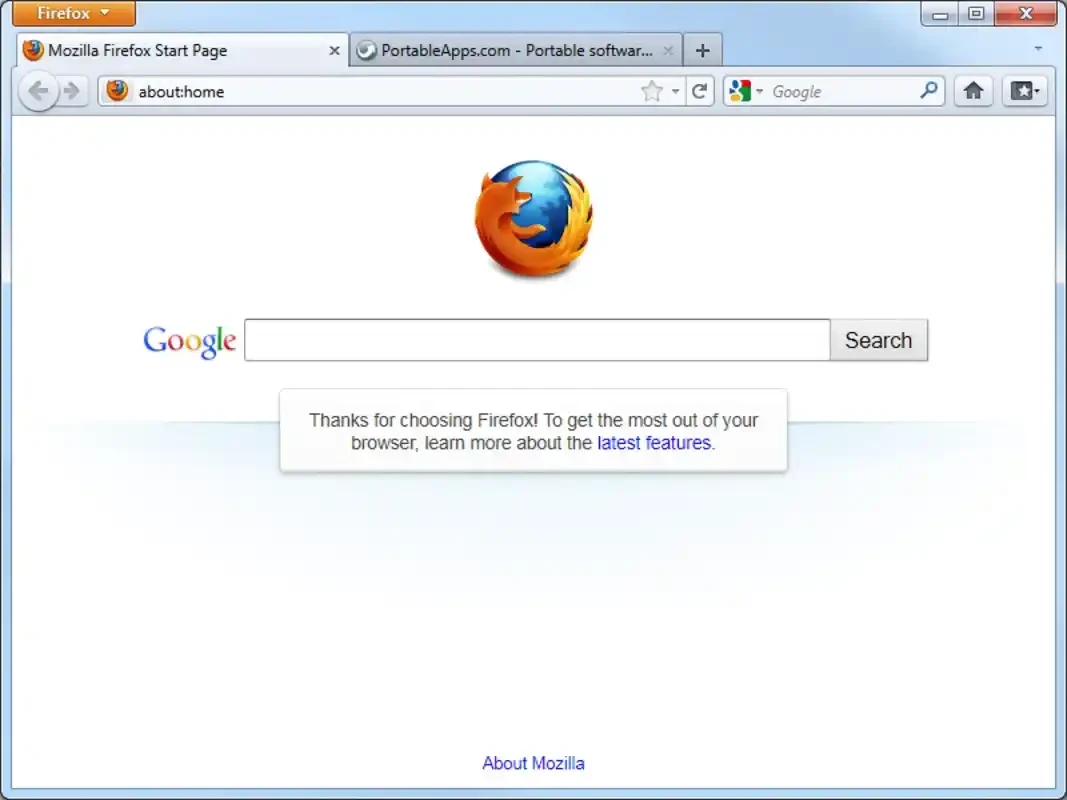
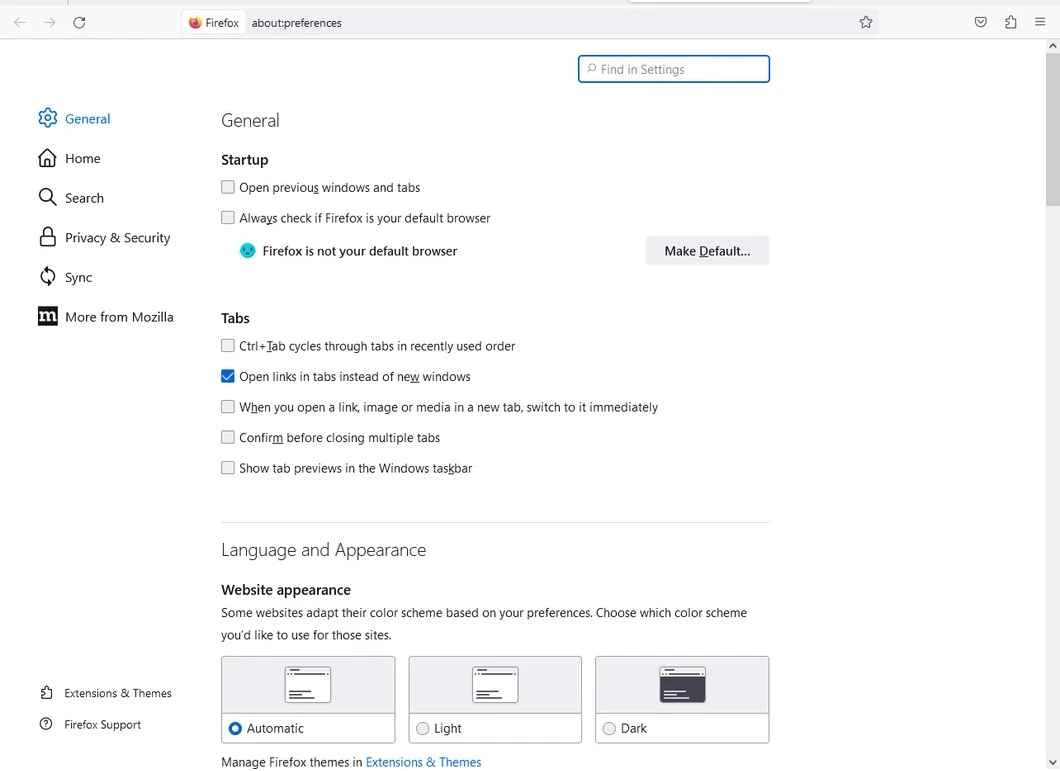
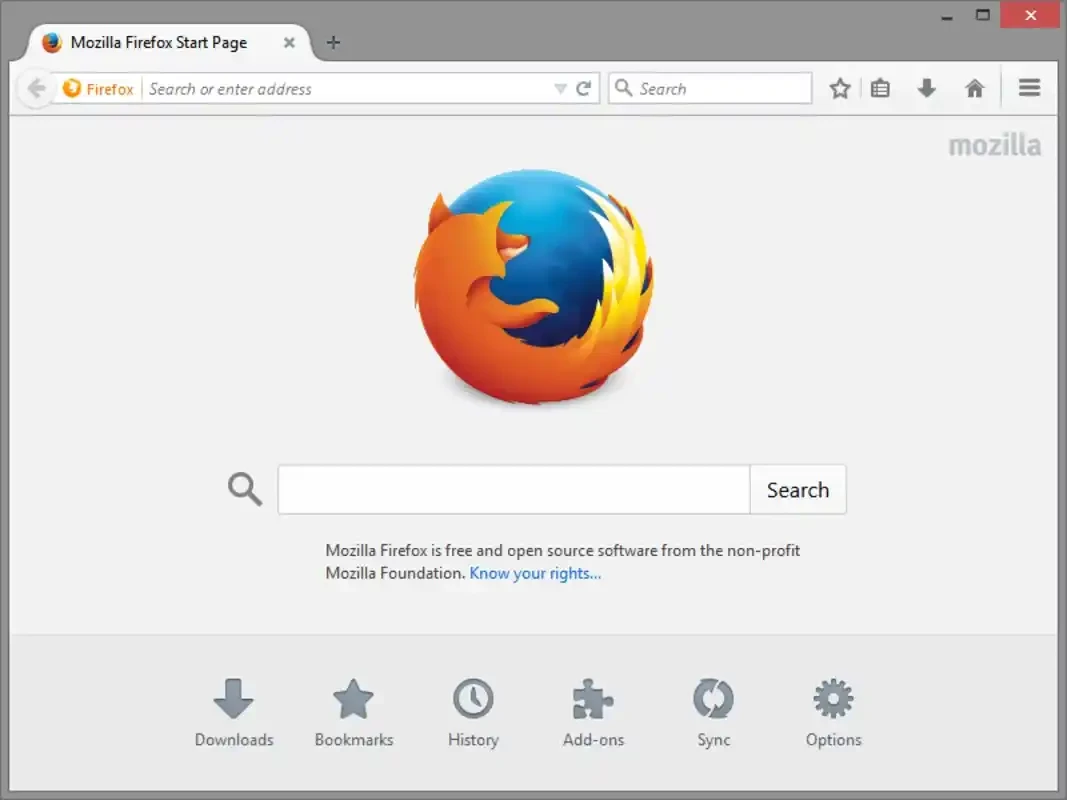
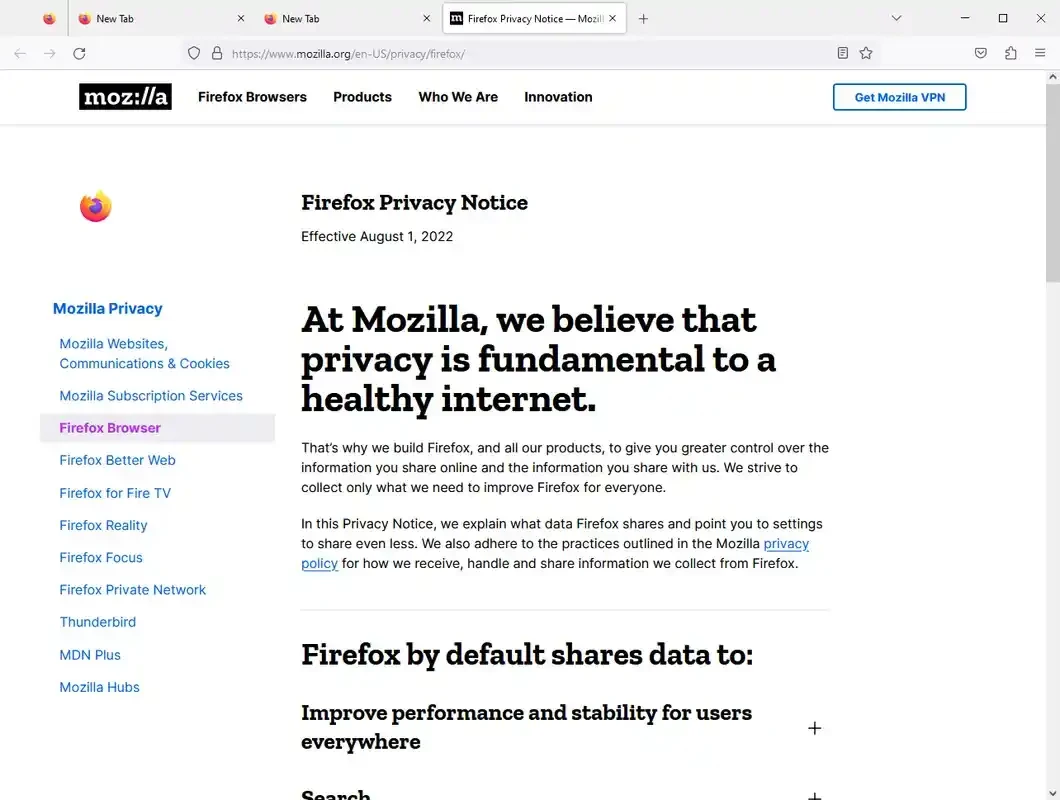
Mozilla Firefox Portable 155.0.0.0 is a version of the Firefox browser for Windows packaged to run from a folder or USB stick without installation. Download Mozilla Firefox Portable if you want to carry your browser, bookmarks and extensions between computers or use Firefox on a PC where you cannot install software.
A normal Firefox installation writes its program files to Program Files and keeps your profile, with bookmarks, passwords, history and extensions, inside the Windows user folder. The portable package, maintained by John T. Haller as part of the PortableApps.com project, puts both the browser and the profile into one folder and starts Firefox through a small launcher that points it there. The result can live on a USB stick, an external drive or a cloud-synced folder: plug it into another Windows PC, start it, and you get your own browser with your own settings, leaving little behind on the host machine. It is the same Firefox engine Mozilla releases, first released in 2002, with the same add-ons and privacy features; the difference is only in packaging. This version follows its own numbering on the portable side, while Mozilla's current stable line is newer, so check for updates regularly.
Mozilla's system requirements for this generation of Firefox list Windows 10 or later, a 1 gigahertz (GHz) or faster processor, 1GB of RAM for the 32-bit version or 2GB of RAM for the 64-bit version, and 500MB of hard drive space. A fast USB drive makes a big difference to start-up time.
A browser profile on a USB stick contains saved passwords and cookies; if you lose the stick, you lose them to whoever finds it. Set a Primary Password in Firefox settings, and avoid running your portable browser on public computers you do not trust, because a compromised host can still read what you type. Release notes for Firefox itself are on firefox.com.
Free, like Firefox.
For a regular installation, Firefox ESR offers long-term support and Firefox Developer Edition targets web developers. Other browsers on our site include Waterfox, Pale Moon, Mullvad Browser and Microsoft Edge.
Opera is a free web browser for Windows from Opera Software. The stable release is 136.0.6008.22, published on 17 September 2026.

UC Browser for Windows is the desktop version of the web browser from UCWeb, a Chinese mobile internet company.

Google Translate is Google's multilingual machine translation service, used on Windows through the website and a browser extension.

Microsoft Edge is Microsoft's web browser, preinstalled on current Windows versions and available as a free download for reinstalling or updating.

Mozilla Firefox is a free and open-source web browser developed by Mozilla, available for Windows, macOS, Linux, Android and iOS.

Google Chrome is the free web browser from Google. The stable Windows release is 154.0.8037.58, out since 22 September 2026.

Cent Browser is a free Chromium-based browser for Windows from Cent Studio that adds mouse gestures, tab tweaks and other power-user options.